Below you will find a short guide to use the Users section of TripsAround, and to effectively manage information of your employees or team members.
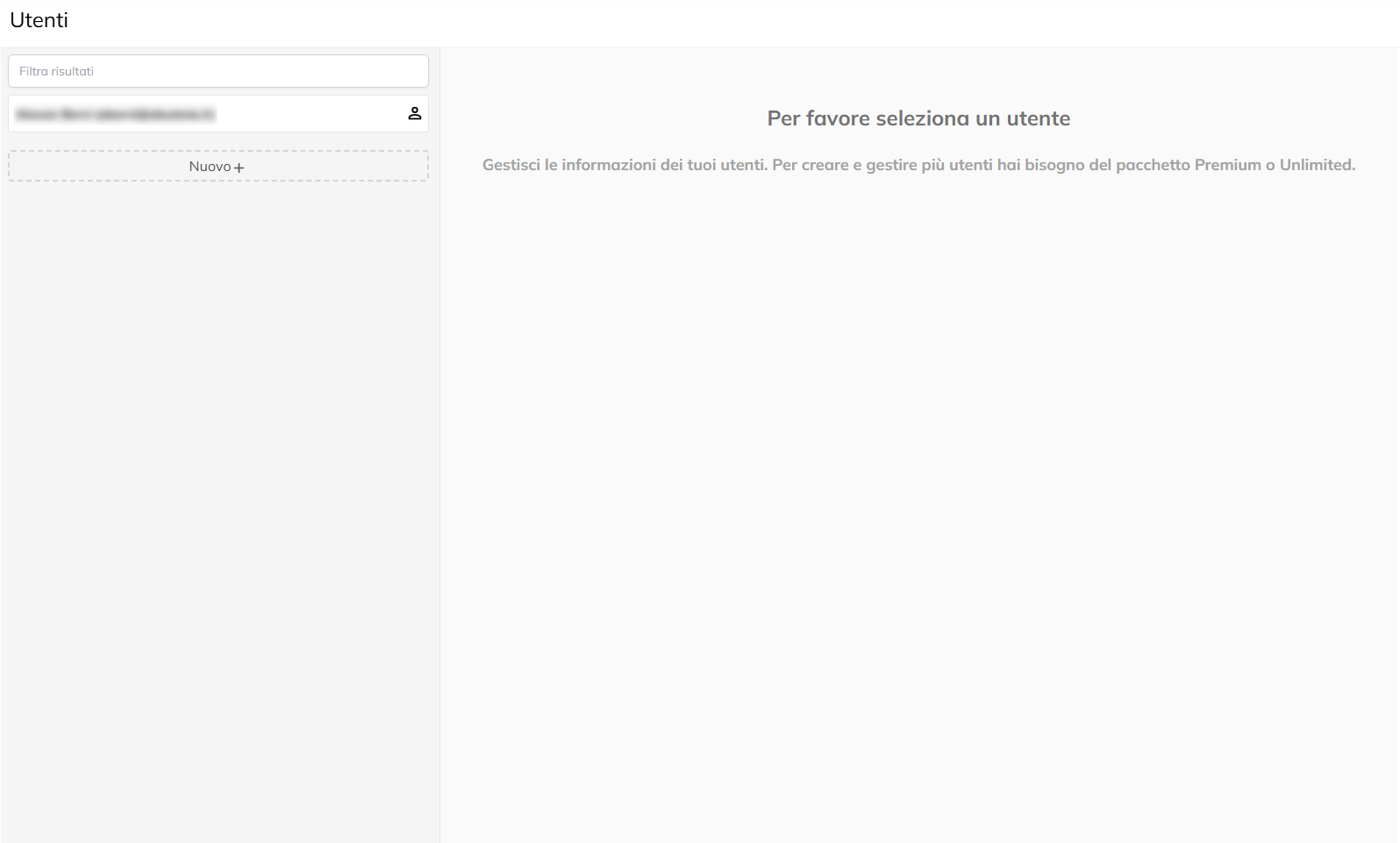
In the left part of the screen you will see the list of existing users (if present) and the New button + to create new ones.
N. B to create multiple users, you must have signed a plan of “Premium”.
You can use the Filter field results to quickly search for a specific user for first name, last name or email.
Clicking on a user already exists, you can view and modify the details in the section to the right, called a Retail User.
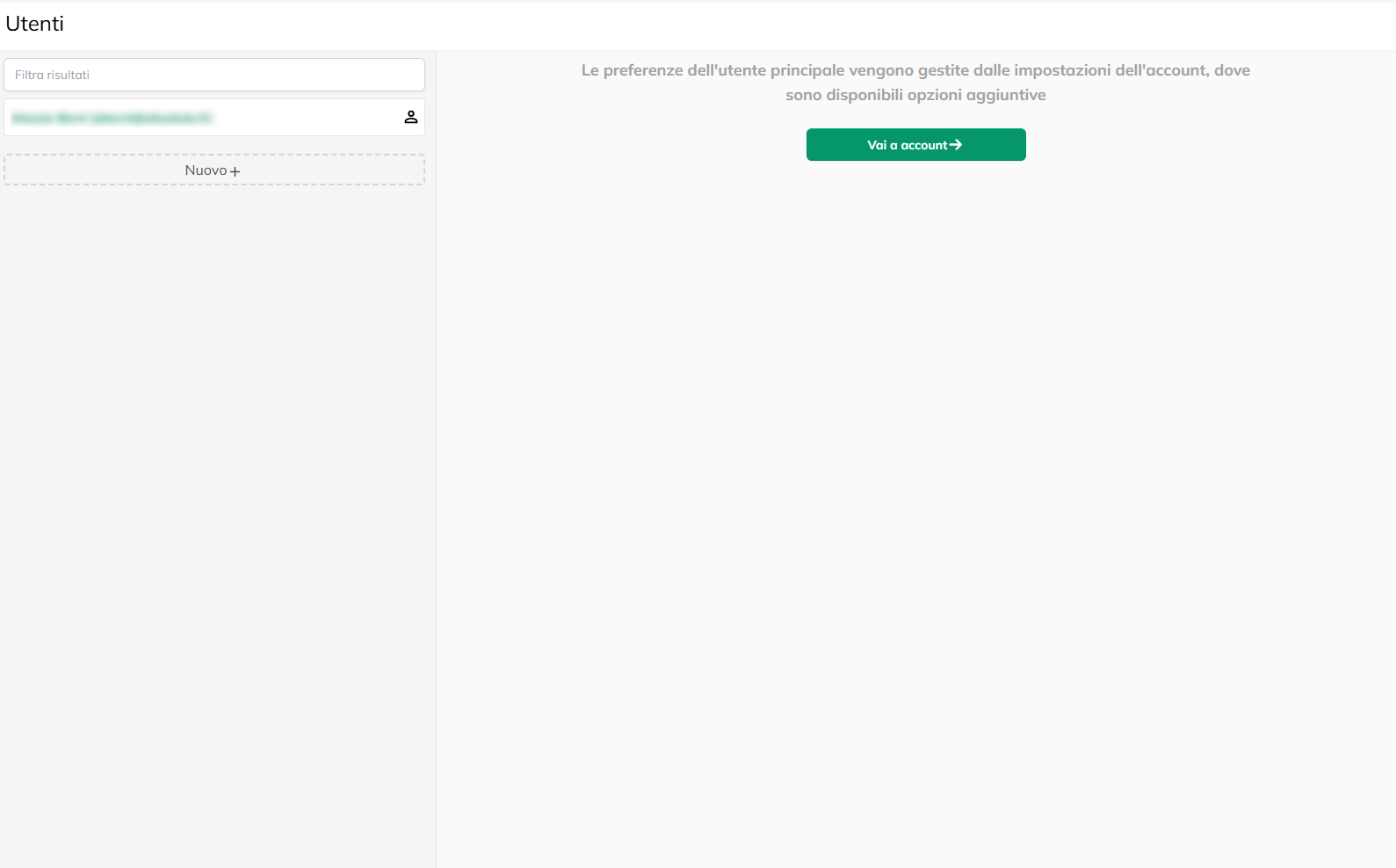
If the user is the primary user of the account, the screen will appear a button Go to account that refers to the advanced settings, because his preferences are managed directly from there.
N. B to create multiple users, you must have signed a plan of “Premium”.
You can use the Filter field results to quickly search for a specific user for first name, last name or email.
Clicking on a user already exists, you can view and modify the details in the section to the right, called a Retail User.
If the user is the primary user of the account, the screen will appear a button Go to account that refers to the advanced settings, because his preferences are managed directly from there.
Click + in the left part of the screen.
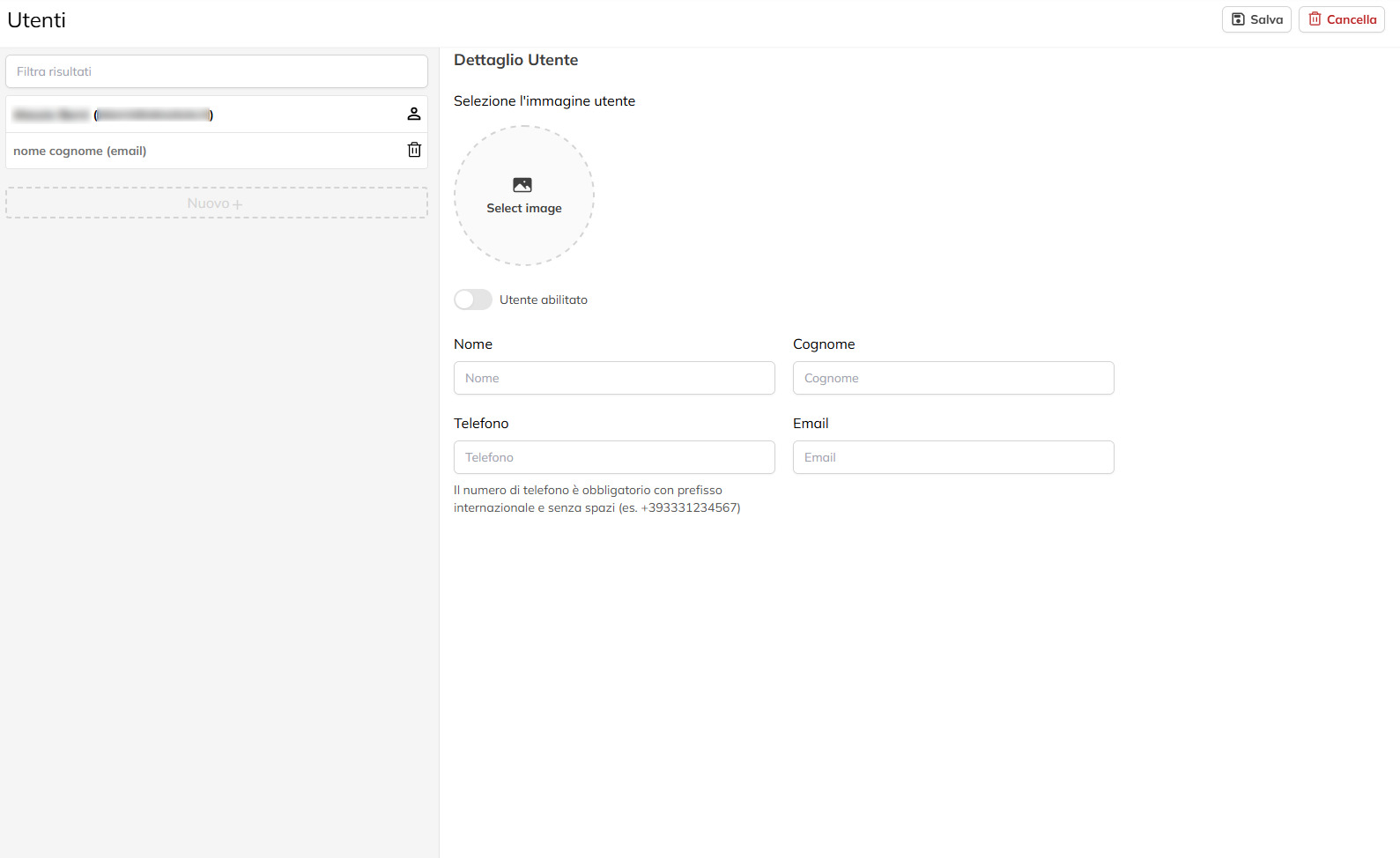
In the Detail section the User to the right, fill in the required fields:
First and last name, Phone, Email,
(Optional) Upload a profile picture by clicking on Select image.
Use the power switch to the enabled User to enable or disable your access immediately to this user.
At the end, press Save to confirm the creation of the new user.
At first login, you will automatically be sent to the new user an email with a temporary password for the first access, the user must set a new password after login.
In the Detail section the User to the right, fill in the required fields:
First and last name, Phone, Email,
(Optional) Upload a profile picture by clicking on Select image.
Use the power switch to the enabled User to enable or disable your access immediately to this user.
At the end, press Save to confirm the creation of the new user.
At first login, you will automatically be sent to the new user an email with a temporary password for the first access, the user must set a new password after login.