Settings account and billing
Below you will find an overview of the main sections of the settings of the “TripsAround”, with instructions on how to update your data, configure billing, and manage the security of your account.
Account Section #
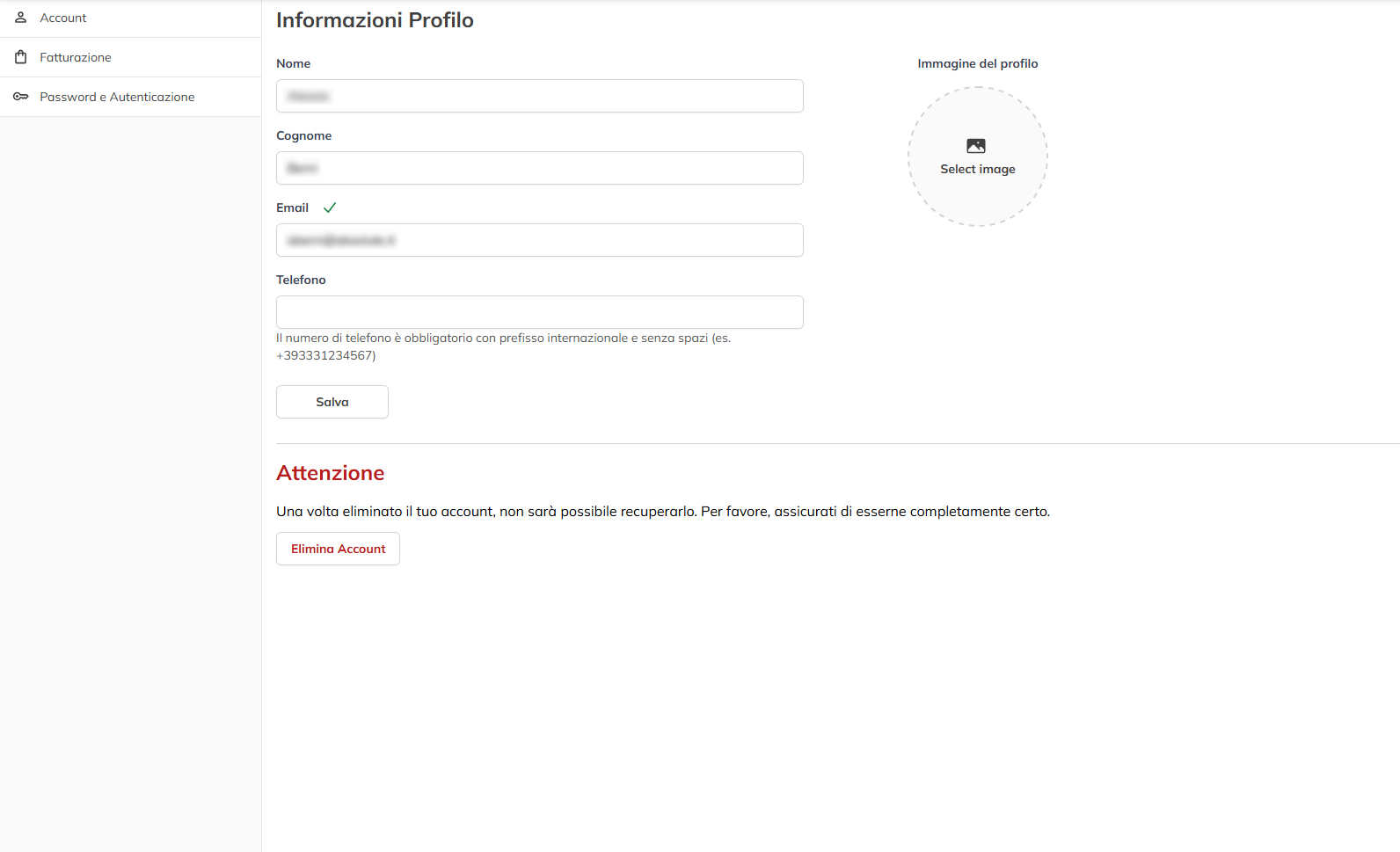
In this section you can edit your personal data such as Name and Surname, Email and Phone and you can change profile Picture.
Using the same you can also delete your account by clicking on the appropriate button.
NOTE: The delete operation once it is done, it is irreversible
Using the same you can also delete your account by clicking on the appropriate button.
NOTE: The delete operation once it is done, it is irreversible
Section Billing #
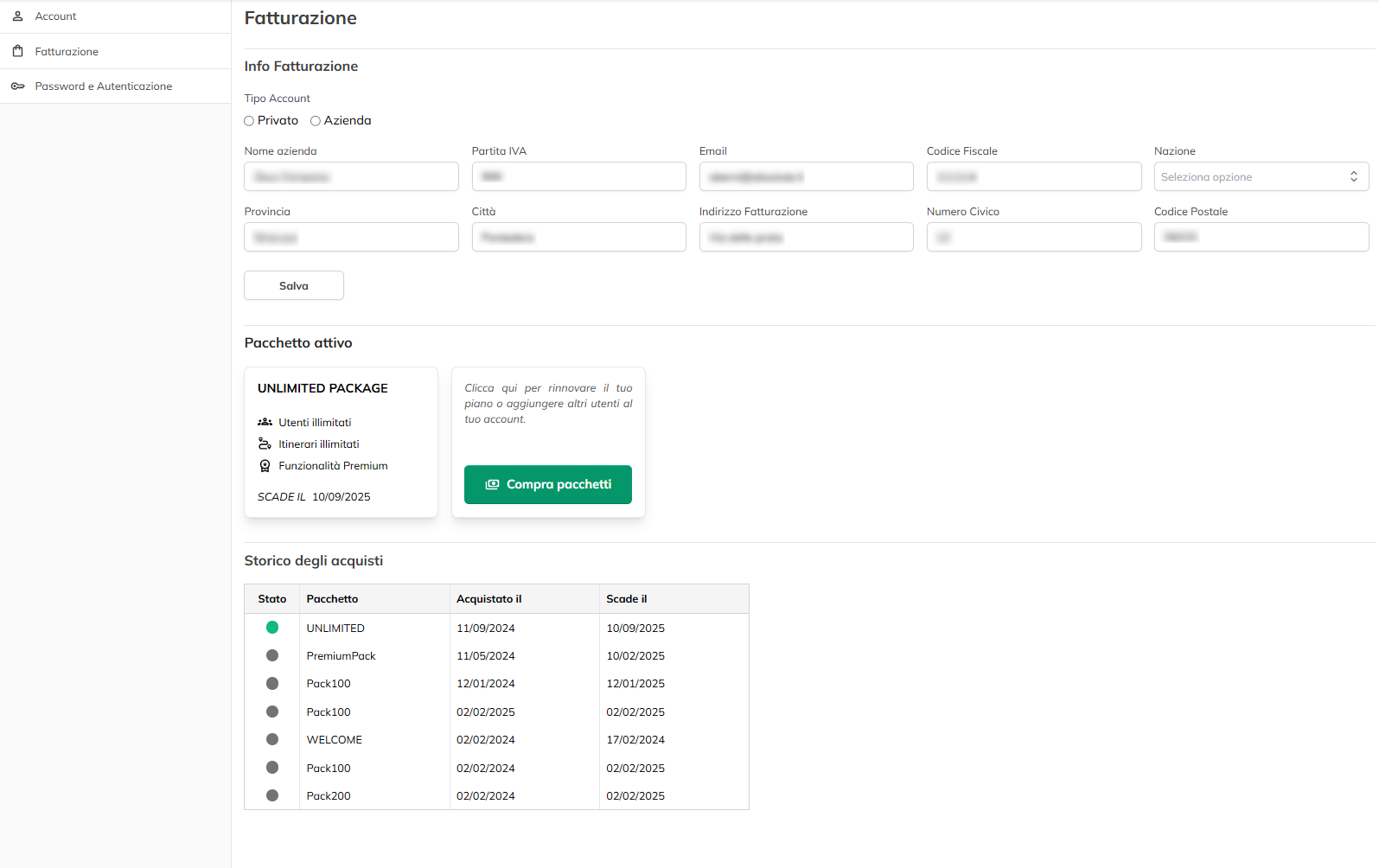
In the section dedicated to billing, you can specify if you act as a private or a company name. If you choose the option to “Company”, you have to enter all the information needed for tax, such as your company name, VAT number or Tax Code, and the full billing address of the province, city, street and house number, and zip code. Also in this case, it is essential to save data whenever apportiate of changes, so they are always updated and valid for the generation of fiscal documents.
In the same panel, you will find the summary on the package that is currently active, with details about the features included, the date of expiration, and the ability to purchase new packages, or renew that period of time. Therefore, you can check at any time the history of purchases made, which includes the package name, the purchase date, the expiration date, and the status (active or expired). Regularly consult this section will help you keep track of your plans and to avoid any interruptions of service, providing for the renewal.
Password and authentication #
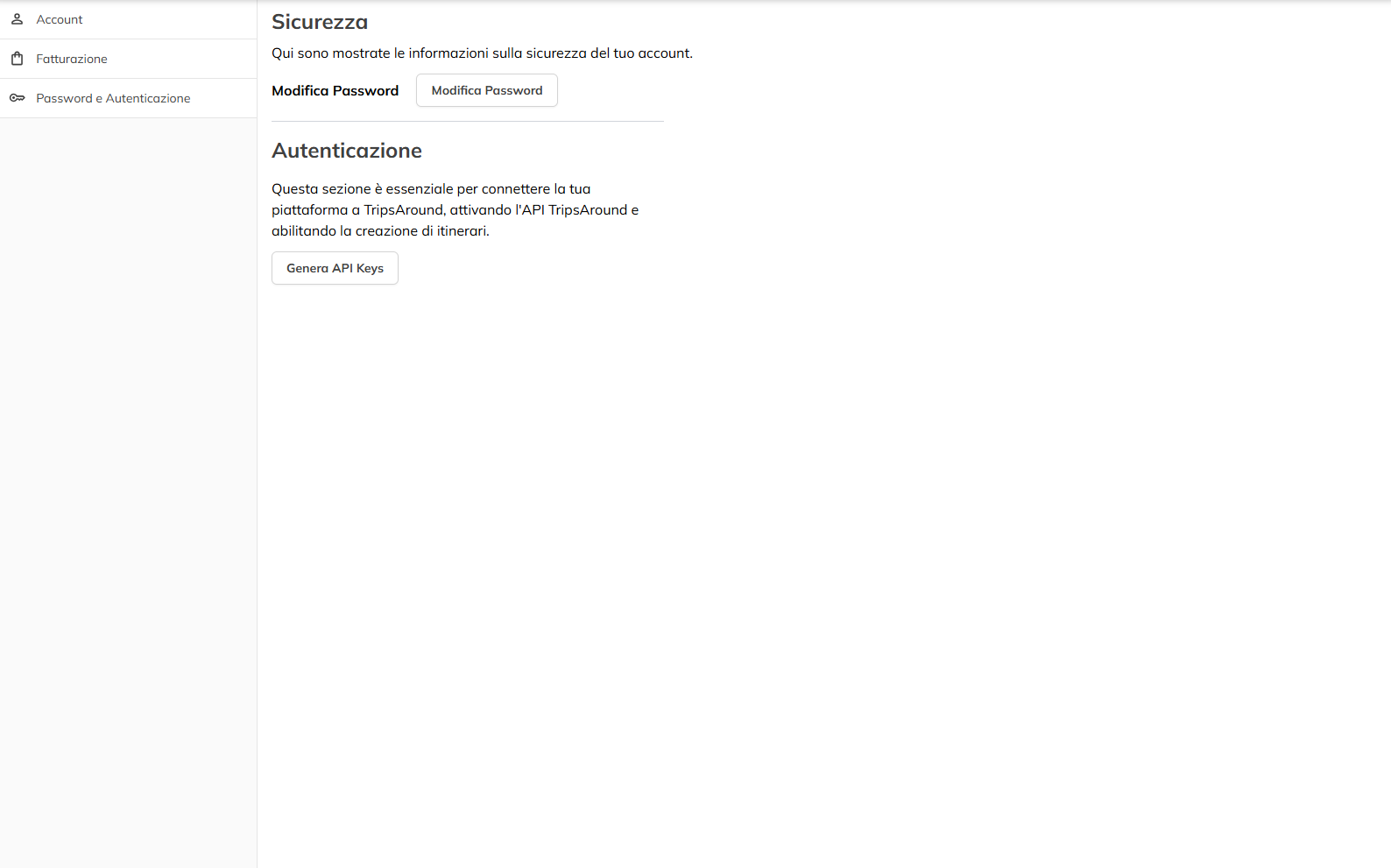
In the panel intended for the password and authentication, you can check the information related to the security of your account. If necessary, you will have the opportunity to change the password by choosing a more robust for further protect the profile. Always here, it is possible to generate or regenerate the API keys, and is essential to connect your platform to TripsAround or to enable automatic related to the functions of the creation and management of the routes. Once produced, we recommend you store them in a safe place, avoiding to share them with any unauthorised persons.