Management of Models and Templates
Create a new template
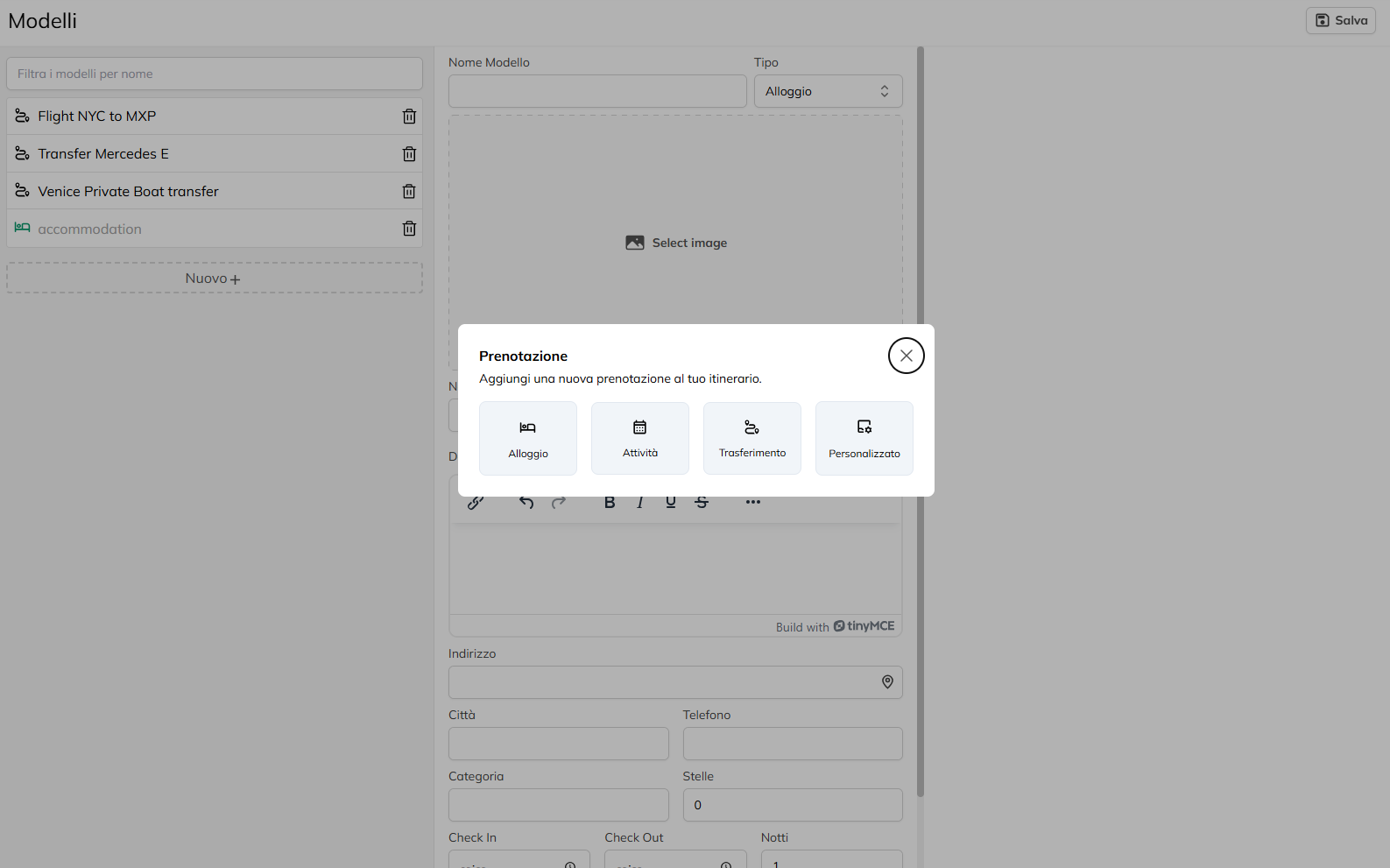
Click on the “New +” to start the creation of a new model.
Select the Type of the template, if it comes to accommodation (Hotel, Apartment, etc), a business Visit, Tour, Experience, etc), a transfer (Car, Train, Boat, etc) or custom service.
Please fill in the fields Name, Price (if applicable), and Description, providing all the essential information for the person who will use this model in their own routes (such as place of departure, details of the experience and the services included).
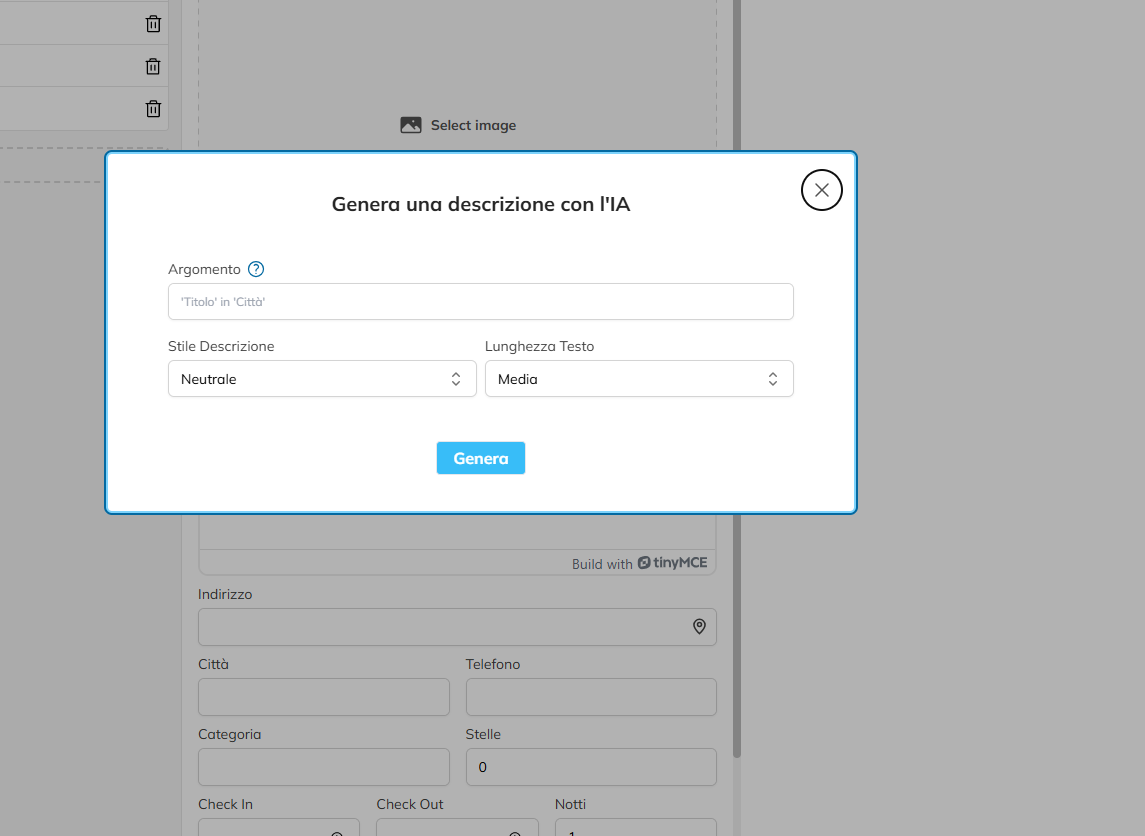
You can generate a description using the IA by clicking on the appropriate button, and by entering a command prompt, choose the tone and length of the text and click “Generate”, then you will see that the field will be auto-populated.
Enter any specific fields, such as Departure, Arrival, Time of Departure and Time of Arrival if you are creating a model for the transfer.